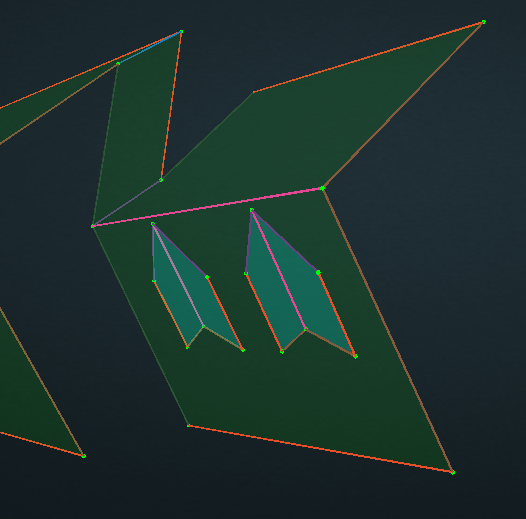
Attach:
- Under Surface Mode, Select or hold
Ctrlto multi select the upper surfaces you want to attach.
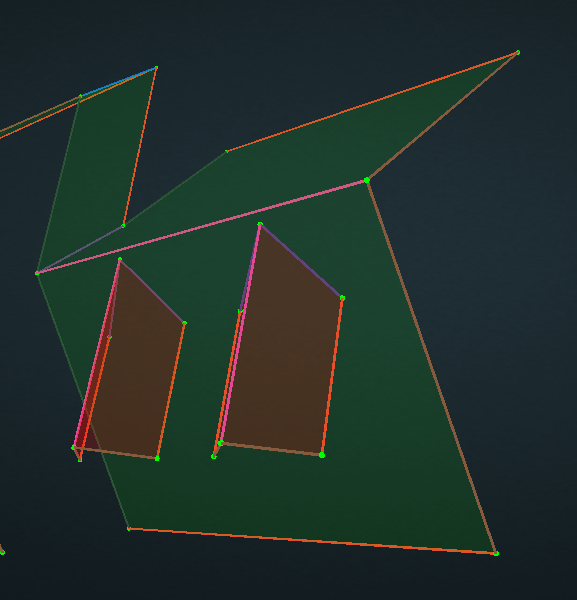
- With all the surfaces selected, click Attach and then click the lower surface which you would like the surfaces to attach to.
- All the upper surfaces will be flat and attached to the lower surface. The attached surfaces will turn to blue.